Getting Started
The six steps to set Booost up, in order. The checklist on the Home page keeps track of the ones you have done, so you can stop and pick it up later.
The six steps, in order
- Connect a channel. LinkedIn or X. For LinkedIn: open the Browser page and log in the way you would on the website; Booost recognises the account by itself, or press "Detect account" if it does not. For X: go to My Profile → "Your channels" and connect from there — a fresh install can also start straight from an X login ("New persona from X"), with LinkedIn added later.
- Pick your AI. Booost AI works immediately, with no keys and no configuration: you can skip this step. If you prefer your own keys, go to Settings → AI.
- Fill in My Profile. Role, industry and tone of voice. It is what the AI writes everything else from: without it, the texts come out generic.
- Bring people in. Import a CSV under Contacts, or press "Populate from my profile" under Strategy and let Booost find them on LinkedIn.
- Write a template. A reusable message with variables where the names go.
- Build your first workflow. On the Workflow page, starting from a Booost template or from an empty canvas.
What happens while you set up
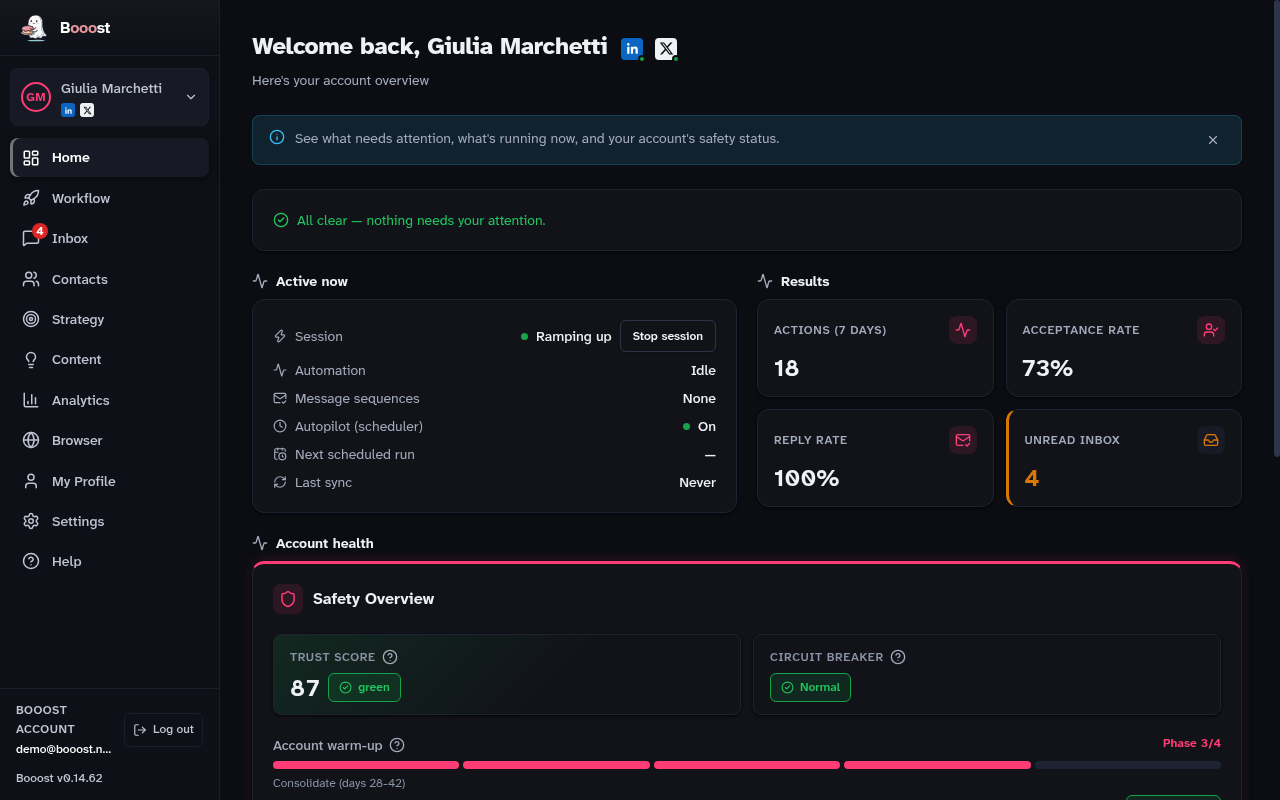
Warm-up keeps writes low — connection requests, messages, posts — for the first six weeks, raising them in stages. It is the thing that stops a new account from being restricted, and it is also why the first days feel slow: that is deliberate.
Reads, on the other hand, work at full speed from day one: search, browsing and target imports run right away, subject only to the anti-ban budget.